Looking for the best Mac accounting software for your Singapore business? Running your books on a MacBook or iMac is easier than ever, but not every accounting package treats Mac users equally. Some are native Mac apps, some run in a browser, and some are Windows programs that only work on a Mac through workarounds.
This guide explains the options, what Singapore SMEs should check before choosing (including GST and InvoiceNow), and how the most common choices compare.
Three Ways to Run Accounting Software on a Mac
1. Native Mac apps
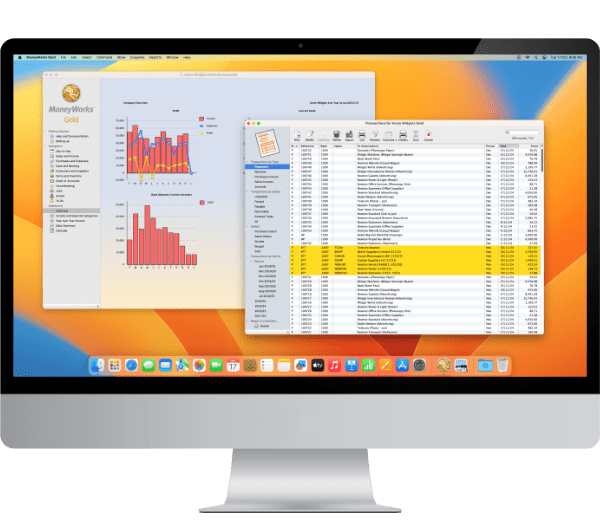
Native software is built to run directly on macOS. It feels like a normal Mac app, works with Mac features such as printing to PDF, and does not depend on a browser. Very few business accounting packages are still built this way. MoneyWorks is one of them, and it runs natively on both Mac and Windows.
2. Cloud software in a browser
Cloud accounting software such as Xero and QuickBooks Online runs in Safari, Chrome or another browser, so it works on any Mac. You need an internet connection, and you pay an ongoing subscription.
3. Windows software through a workaround
Some accounting programs only run on Windows. Mac users can still use them through tools such as Parallels Desktop or remote hosting, but this adds cost, setup and another layer to support. If your team uses Macs, it is usually better to choose software that supports Mac directly.
What Singapore SMEs Should Look For
- GST reporting: the software should track GST on sales and purchases and produce the figures you need for your GST F5 return.
- InvoiceNow readiness: IRAS is phasing in the GST InvoiceNow requirement. New voluntary GST registrants must comply from 1 April 2026, and all GST-registered businesses will be covered by April 2031. Choose software that can send invoices through InvoiceNow.
- Multi-currency: important if you buy from or sell to overseas customers and suppliers.
- Mixed Mac and Windows teams: check that staff on both platforms can work on the same company file.
- Multiple companies: if you run more than one entity, check whether extra company files cost more.
- Inventory: if you hold stock, look for multi-location stock, serial numbers and batch tracking.
- Local support and training: a local partner can help with setup, data migration and questions after you go live.
- Licensing: decide whether you prefer a one-time purchase or a monthly subscription.
Mac Accounting Software Compared
| Software | How it runs on Mac | Licensing | Best for |
|---|---|---|---|
| MoneyWorks | Native Mac and Windows app, or cloud (MoneyWorks Now) | One-time purchase or subscription | SMEs that want a native Mac app, mixed Mac/Windows teams, multiple companies and inventory |
| Xero | Web browser | Subscription | Small businesses that want cloud-only accounting and many app integrations |
| QuickBooks Online | Web browser | Subscription | Small businesses that want cloud-only accounting |
| QuickBooks Desktop for Mac | Native Mac app | No longer sold to new customers since 30 September 2024 | Existing users only |
MoneyWorks: Native Mac Accounting Software
MoneyWorks has been developed for the Mac for decades and also runs on Windows, so Mac and PC users can work on the same company file. It is a full business accounting system rather than a simple bookkeeping app.
- Runs natively on Mac and Windows, on its own or with multiple users on a network.
- Flexible licensing: MoneyWorks Datacentre is a one-time purchase, and MoneyWorks Now is a cloud subscription.
- Unlimited company files at no extra cost, which suits owners with several companies. See our guide to multi-entity accounting software.
- GST reports for Singapore, plus multi-currency.
- InvoiceNow support: read how to set up InvoiceNow in MoneyWorks.
- Inventory with multiple locations, serial numbers, batch numbers and expiry dates.
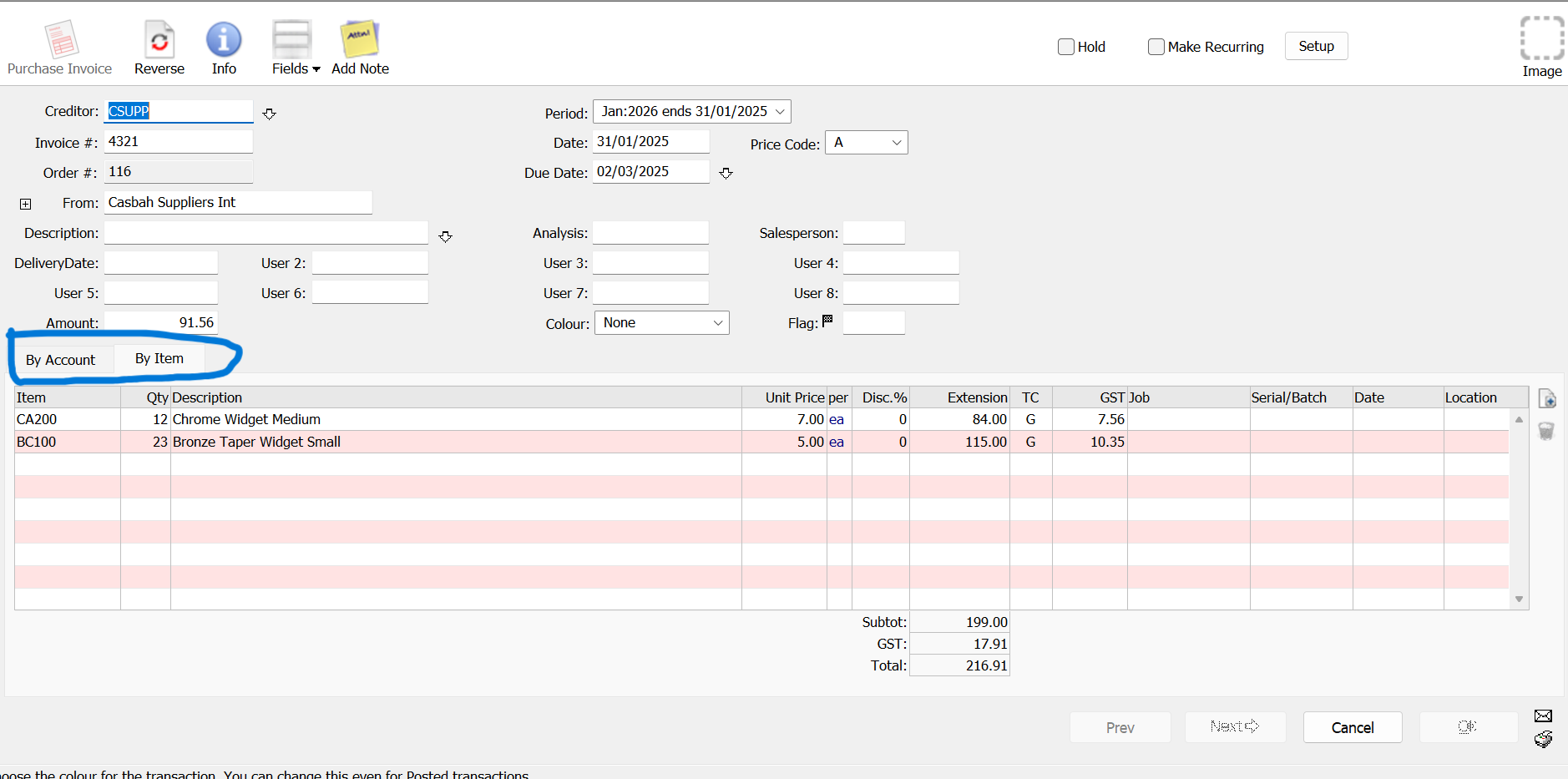
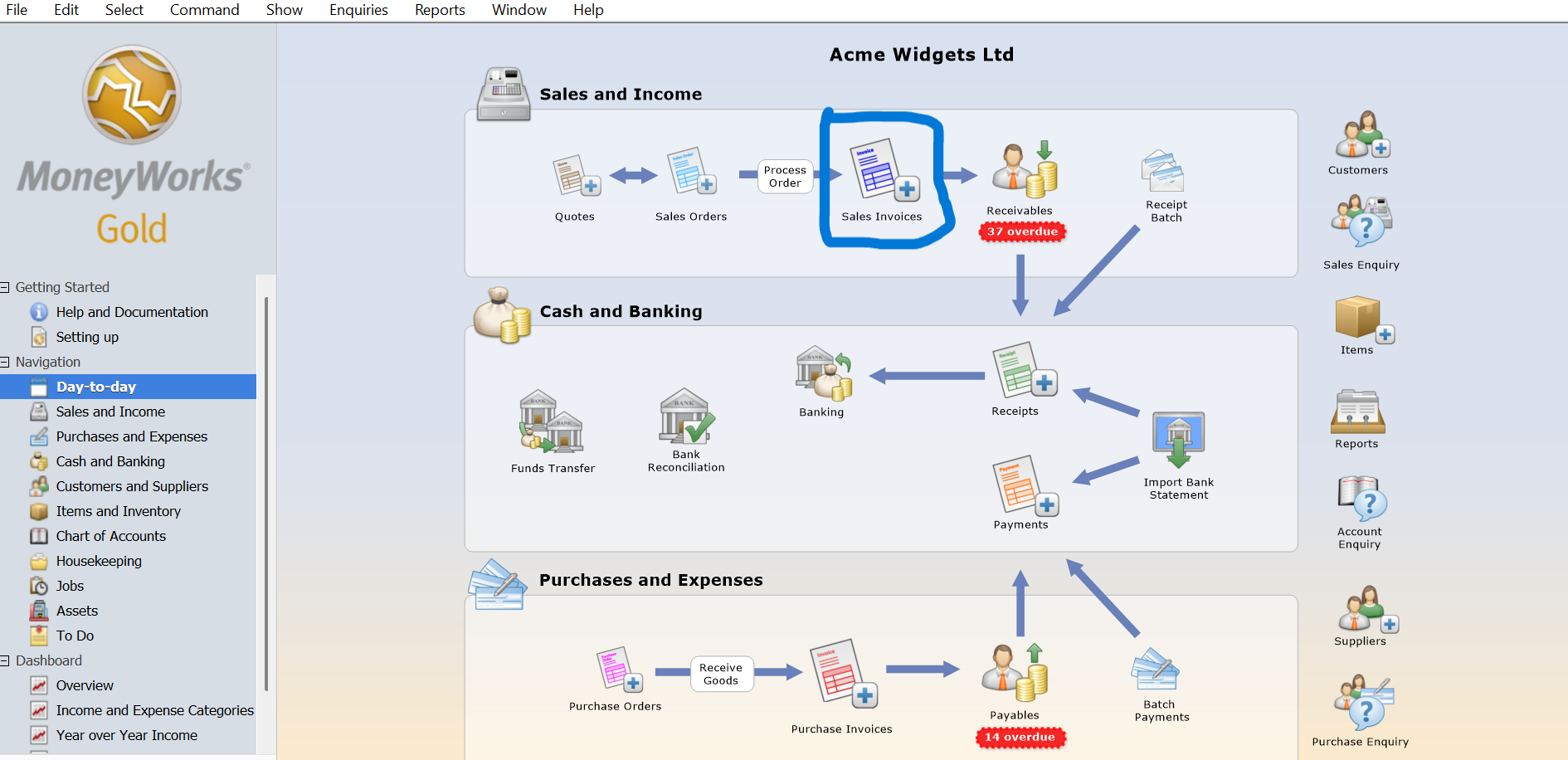
- Quotes, sales orders, invoices, purchase orders and bank reconciliation from the Day-to-Day navigator.
- AI features that help reduce manual work. Learn more about MoneyWorks AI.
Xero and QuickBooks Online on a Mac
Because Xero and QuickBooks Online run in a browser, they work on any Mac with an internet connection. They suit businesses that are happy to be fully cloud-based and pay a monthly subscription. Read more about Xero accounting software.
If you used QuickBooks Desktop for Mac in the past, note that Intuit stopped selling it to new customers on 30 September 2024. New Mac users who want QuickBooks are directed to QuickBooks Online instead.
How to Choose the Right Mac Accounting Software
- List what you need today and in two years: users, companies, currencies, inventory and reports.
- Decide how you want to work: a native app, the cloud, or both.
- Check Singapore requirements: GST reporting and InvoiceNow.
- Ask your accountant: make sure they can work with the file or reports you send them.
- Try before you buy: use a free trial with your own sample transactions.
- Check local support: setup, data migration and training make a big difference in the first months.
Get Help Choosing Mac Accounting Software
Ostendo provides MoneyWorks accounting software in Singapore, with hands-on training, demos, data migration and local support. Start a 45-day free trial of MoneyWorks, WhatsApp us or contact us to book a demo.
Mac Accounting Software: Frequently Asked Questions
What is the best accounting software for Mac?
It depends on how you work. If you want a native Mac app that also runs on Windows, with one-time purchase or cloud options, MoneyWorks is a strong choice. If you want cloud-only accounting, Xero and QuickBooks Online both run in a browser on a Mac.
Does MoneyWorks work on both Mac and Windows?
Yes. MoneyWorks runs natively on Mac and Windows, so team members on either platform can work on the same company file.
Is QuickBooks Desktop still available for Mac?
Intuit stopped selling QuickBooks Desktop for Mac to new customers on 30 September 2024. New users are directed to QuickBooks Online, which runs in a browser.
Can Mac accounting software handle Singapore GST and InvoiceNow?
It depends on the software. MoneyWorks produces GST reports and supports InvoiceNow. Check InvoiceNow support carefully, as IRAS is extending the requirement to all GST-registered businesses by April 2031.
Do I need an internet connection to use accounting software on a Mac?
Cloud software needs an internet connection. A native app such as MoneyWorks Datacentre can run on your own computer or office network, with remote access available if you need it.