
MoneyWorks Accounting Software · Singapore
MoneyWorks Free Download & 45-Day Free Trial in Singapore
Download MoneyWorks and use the full accounting software free for 45 days. Test invoicing, GST reporting, inventory and multi-company accounting against how your business really works, with Ostendo’s Singapore team on hand to help you set up and answer your questions.
- Full MoneyWorks software, free for 45 days
- Runs natively on Mac and Windows
- No payment needed to start your trial
- Local setup help and support from Ostendo in Singapore
Get your free MoneyWorks download
Fill in the form and our team will send you the MoneyWorks download and help you get started.
What you get in the MoneyWorks free trial
The free download is the same MoneyWorks accounting software our Singapore clients use every day, so you can judge it on real work rather than a sales presentation. During your 45-day trial you can explore:
- GST reports for your IRAS GST return, plus InvoiceNow e-invoicing
- Unlimited company files at no extra cost, ideal for groups and accounting firms
- Sales and purchase invoicing, customer receipts and bank transactions
- Multi-currency quoting, buying and selling
- Inventory across multiple warehouses, with serial number, batch number and expiry date tracking
- Custom forms, templates and reports for your business
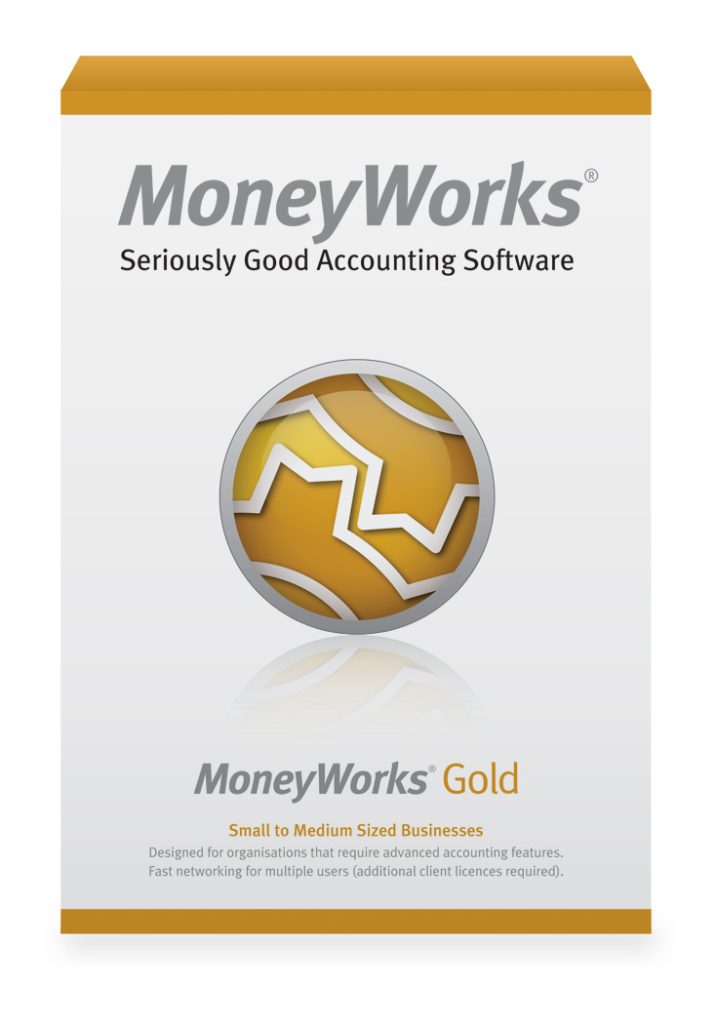
Download MoneyWorks for Mac or Windows
MoneyWorks runs natively on both Mac and Windows, so it suits Mac-only, Windows-only and mixed offices. If the trial works for you, the same software grows with your business:
- MoneyWorks Gold for day-to-day accounting on your desktop.
- MoneyWorks Datacentre on your own server, hosting multiple company files with 3 concurrent users as standard, expandable to over 30.
- MoneyWorks Now, the cloud subscription option, so your team can work from anywhere.
Not sure which suits you? Mention it in the form and we’ll recommend the right edition and number of users.
What happens after you request the download
- Fill in the form. Tell us your name, mobile number and email, and anything you’d like to test.
- Get your download. Our team sends you the MoneyWorks installer and helps you set it up on your Mac or PC.
- Try it for 45 days. Explore the software or set up your own company file, and ask us questions along the way.
- Go live with Ostendo. When you’re ready, we help you choose the right edition, move your data across from your old system, and train your team, with local support after go-live.
Who the MoneyWorks free trial is for
- Singapore SMEs moving off spreadsheets or basic bookkeeping apps
- Businesses running more than one company
- Trading and distribution businesses with inventory
- Mac and mixed Mac and Windows offices
- Accounting firms managing many client files
Learn MoneyWorks during your trial
Get more out of your 45 days with our free step-by-step guides. Start with the MoneyWorks video tutorials, or join our hands-on MoneyWorks training. Popular guides for new users:
- How to create a sales invoice in MoneyWorks
- How to create a purchase invoice in MoneyWorks
- How to record customer receipts in MoneyWorks
- How to set up InvoiceNow in MoneyWorks
- How to back up your MoneyWorks data
Want the full picture first? See our MoneyWorks accounting software overview.
MoneyWorks free download: frequently asked questions
Is the MoneyWorks download really free?
Yes. You can use MoneyWorks free for 45 days, and no payment is needed to start your trial. Simply fill in the form on this page and our team will send you the download.
How long is the MoneyWorks free trial?
The free trial lasts 45 days, which gives you time to test invoicing, GST reporting and month-end with your own business in mind.
Does MoneyWorks work on Mac?
Yes. MoneyWorks runs natively on both Mac and Windows, so it suits Mac-only, Windows-only and mixed offices.
Is there a cloud version of MoneyWorks?
Yes. MoneyWorks Now is the cloud subscription option. If you prefer a one-time purchase hosted on your own server, MoneyWorks Datacentre can host multiple company files with 3 concurrent users as standard, expandable to over 30.
Can MoneyWorks handle GST and InvoiceNow in Singapore?
Yes. MoneyWorks generates the GST reports you need for your IRAS GST return and supports InvoiceNow. See our guide on setting up InvoiceNow in MoneyWorks.
How many company files can I create?
MoneyWorks lets you create unlimited company files at no extra cost, which suits groups with several entities and accounting firms.
Can I get a demo instead of downloading?
Yes. If you’d rather see MoneyWorks first, contact us to book a free demo, or message us on WhatsApp at +65 9457 3538.
Prefer a guided demo?
Tell us about your business and we’ll show you how MoneyWorks handles your invoicing, GST and reporting. No obligation, and we reply within one business day.