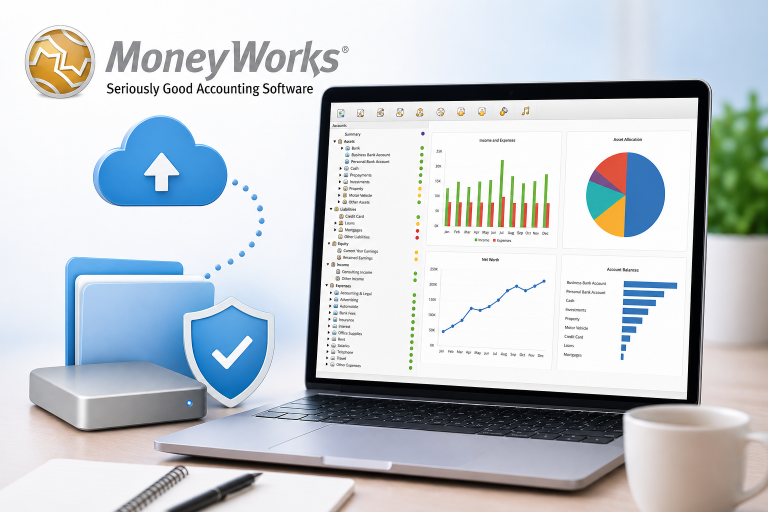
How to Backup Moneyworks Data
How to Backup Moneyworks Data – Manual and Auto Backup Data loss is one of the biggest risks

This page contains MoneyWorks guides for invoicing, payments, GST, reports, setup, and daily accounting tasks.
New to MoneyWorks? Download MoneyWorks free for 45 days and follow along with these tutorials on your own Mac or PC.
Prefer to learn with a trainer? See our MoneyWorks training courses for hands-on sessions online or at your office.
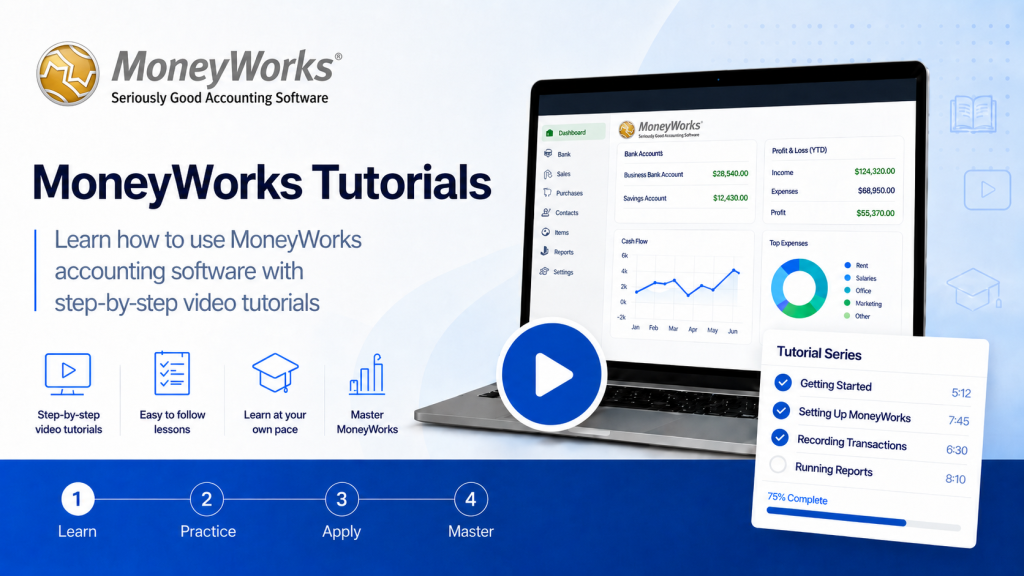
Written MoneyWorks tutorials with screenshots, worked examples and troubleshooting tips. New guides appear here automatically.
How to Backup Moneyworks Data – Manual and Auto Backup Data loss is one of the biggest risks
Short videos showing MoneyWorks tasks on screen, from setup and GST to banking and AI.
Learn how to login to MoneyWorks when you work from home
Learn how to clone existing company file & keep chart of accounts to new company file. Save time!
Learn how to create a chart of account using the Moneyworks software.
Introduce MoneyWorks AI and show how supported AI tools such as Claude can work with MoneyWorks to help users ask questions in plain English, analyse accounting data, prepare reports, and review business information more efficiently.
AI can help read scanned receipts, supplier invoices, handwritten documents, blurred receipts, and PDF attachments, then assist with preparing cash payment
AI can help read an Excel workbook where each worksheet contains one day’s sales transactions, extract the total sales amount per day, and assist with creating daily sales invoices in MoneyWorks
how to import a bank statement and use AI to identify the transactions and automatically generate: 1. Sales invoices for incoming receipts. 2. Bank payments for outgoing transactions. 3. Transaction records needed for bank reconciliation
Power BI allows you to transform raw data into interactive dashboards and reports, delivering actionable insights to support better decision-making
Explains the key steps to configure InvoiceNow
Learn how to change from old GST Tax Rate to new date with effective date
You can upload bank statement (csv format) into Moneyworks and set simple rule so that transactions (payment / receipt) can be created automatically. No more manual entries.
Invoice amount and number are filled up automatically when you customer scan the QR Code from their mobile phone
After you record a payments suppliers, you can then save it into bank file and upload it to your bank for processing.